

How It Works + Getting Started

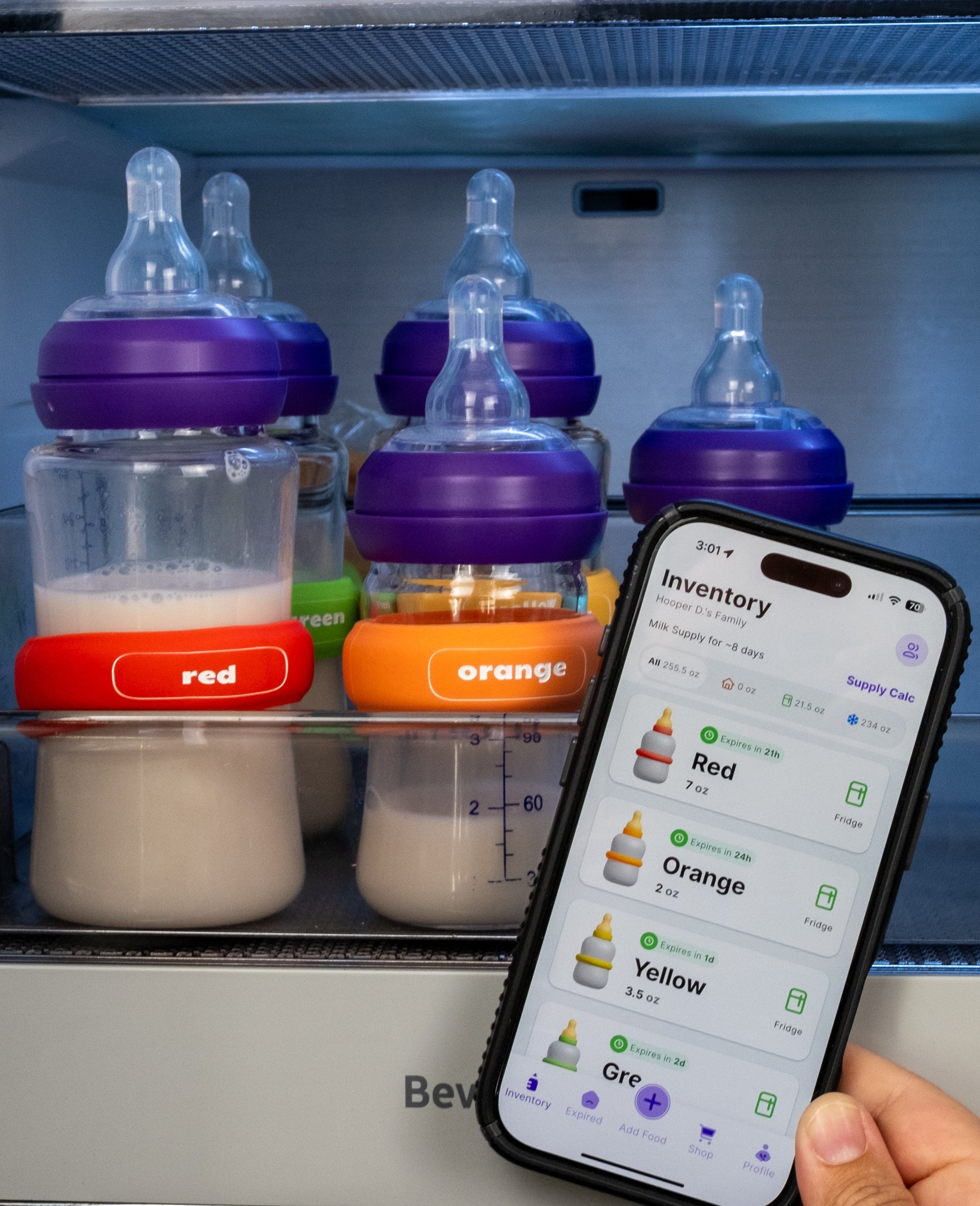
What Does HoopDee Do?
- Tracks fresh/frozen/thawed breast milk and baby formula
- Calculates expiration times and recalculates when necessary
- Sends you and your family members notifications
- Informs you if milk can be moved to the fridge or freezer to extend shelf life
- Allows you to share your account with caregivers so everyone is on the same page
- Calculates how long your milk supply lasts
Hoops Quick Start Guide
-

1. Get the App + Invite Caregivers To Your Family
Download the free HoopDee app on your smart phone. Create your account and profile. You can invite any number of caregivers to your "family" so everyone stays on the same page.
-

2. Hoop Your Bottles
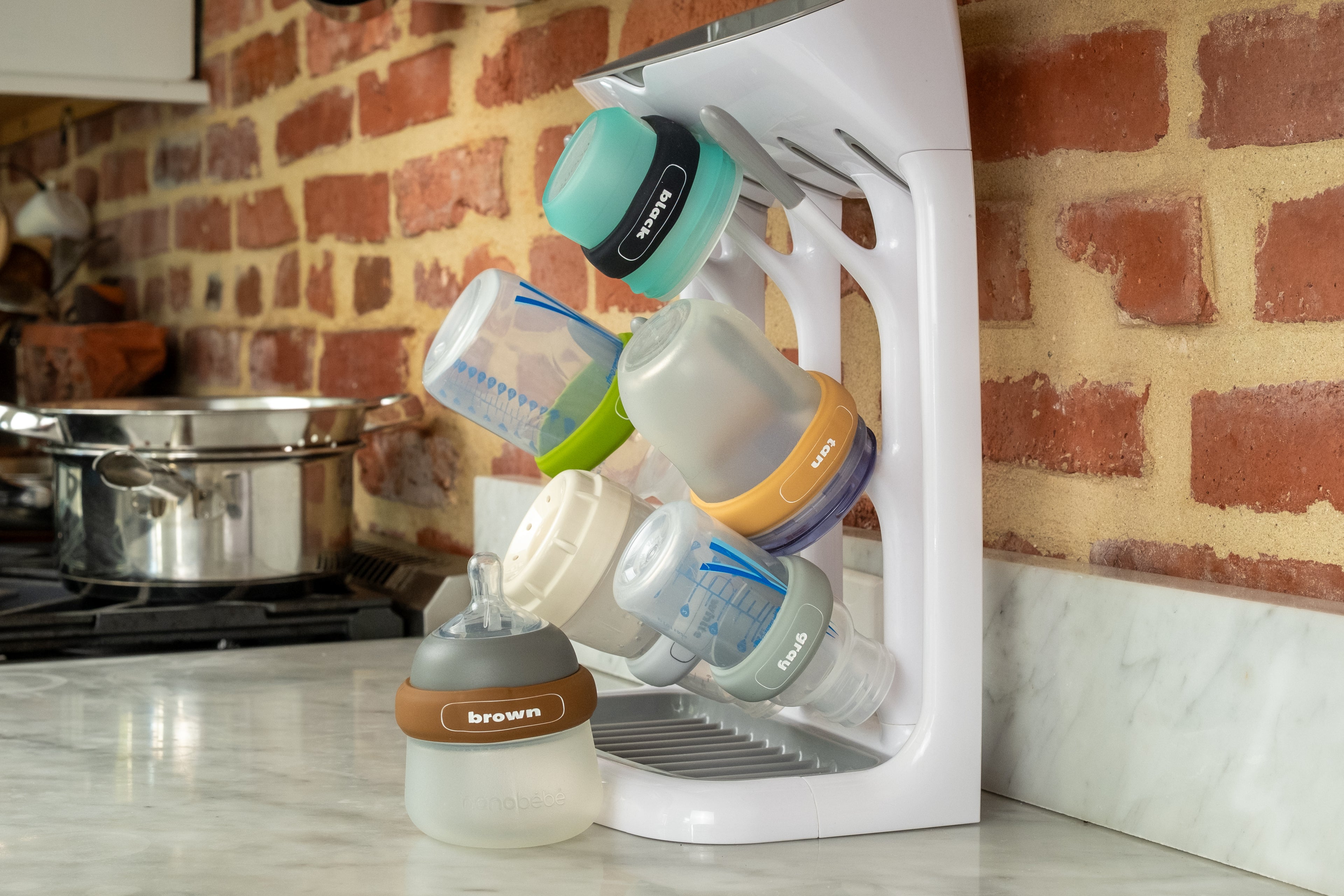
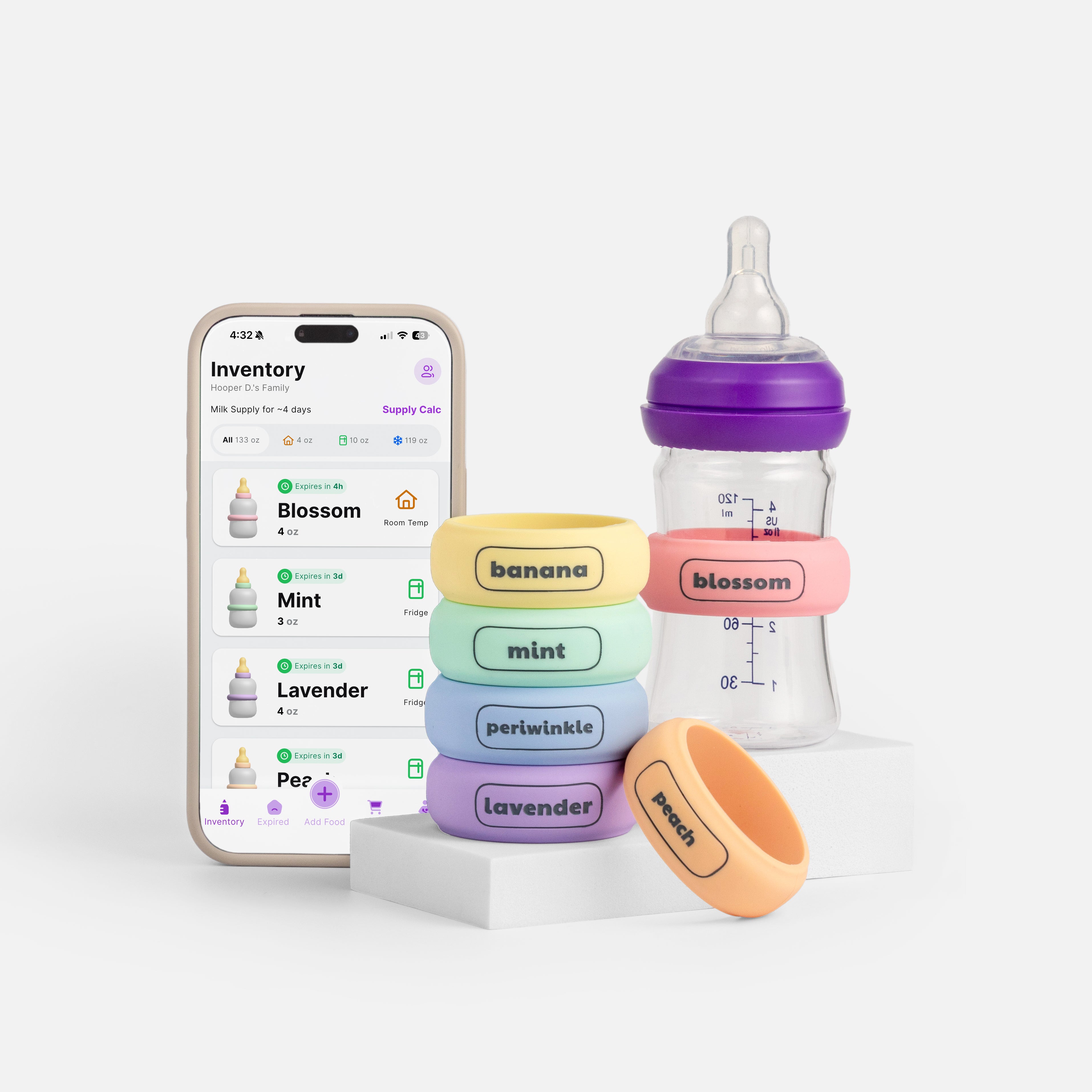
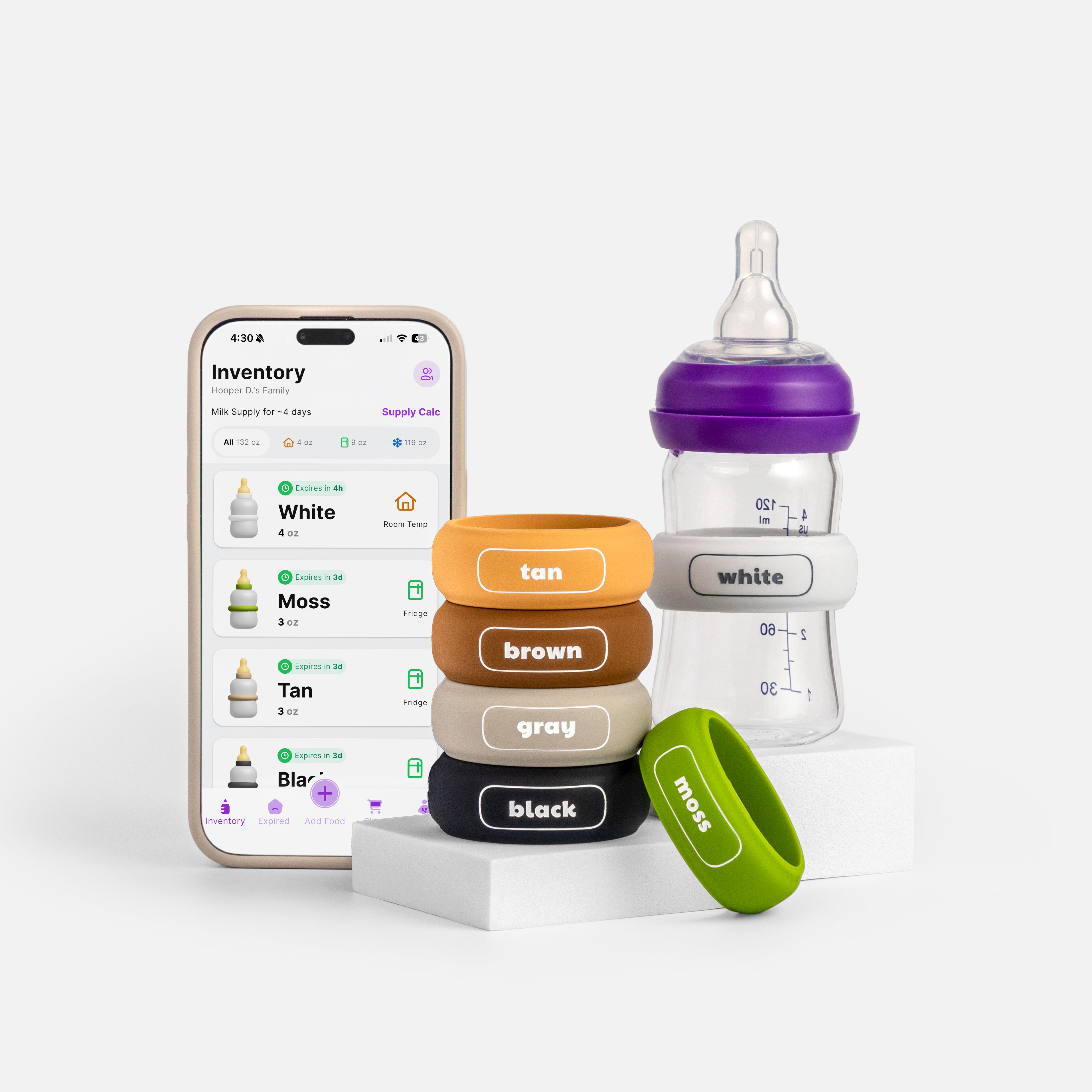
Stretch or slide your Hoops on each of your bottles. Ensure each color in your inventory is unique (use all 3 packs to Hoop up to 18 bottles).
-

3. Add Food
When you fill your bottles, click "Add Food (+)" in the app. Ensure the "Do you have Hoops?" toggle at the top is selected. Fill out the rest of the required information and click "Sync with Hoop" at the bottom of the screen.
-

4. Sync it up
Immediately after clicking "Sync with Hoop," touch and hold the top of your smart phone to the color name on the Hoop of the bottle you are syncing. You will receive a message whether the sync was successful or if you need to try again.
-

5. Get Reminders + See Your Inventory
The app will send reminders as each bottle nears expiration.
The bottle at the top of your inventory is what we recommend you use next.


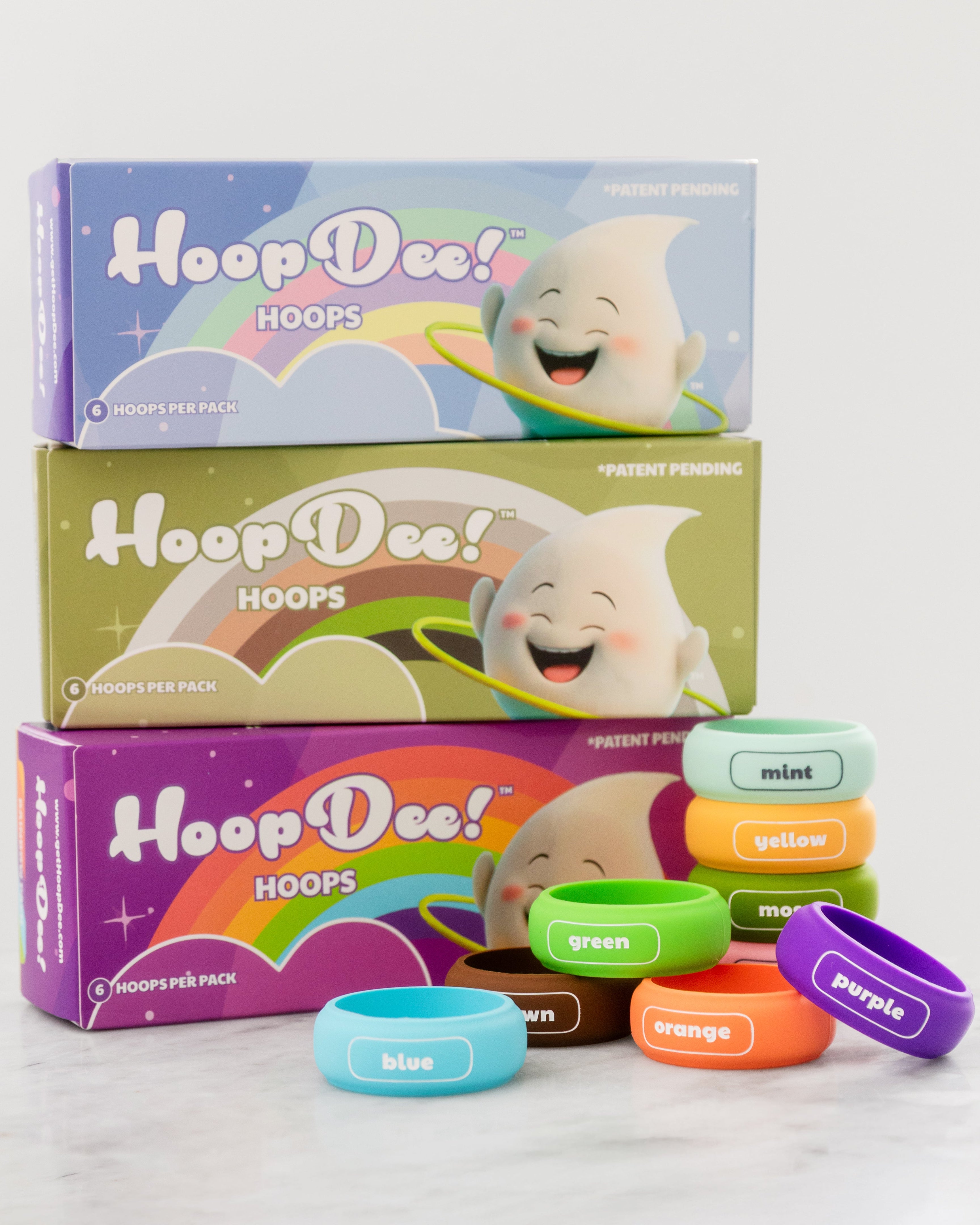
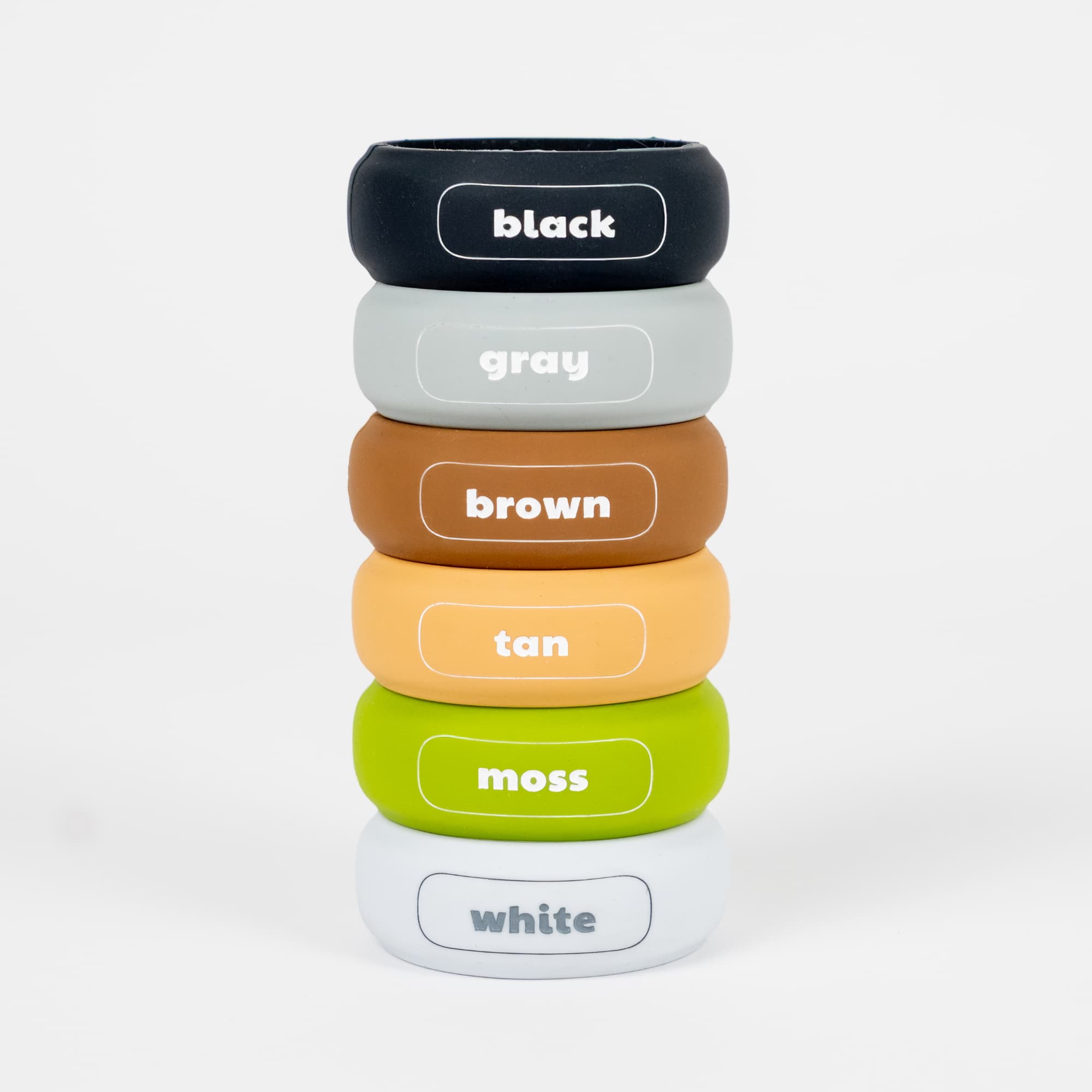
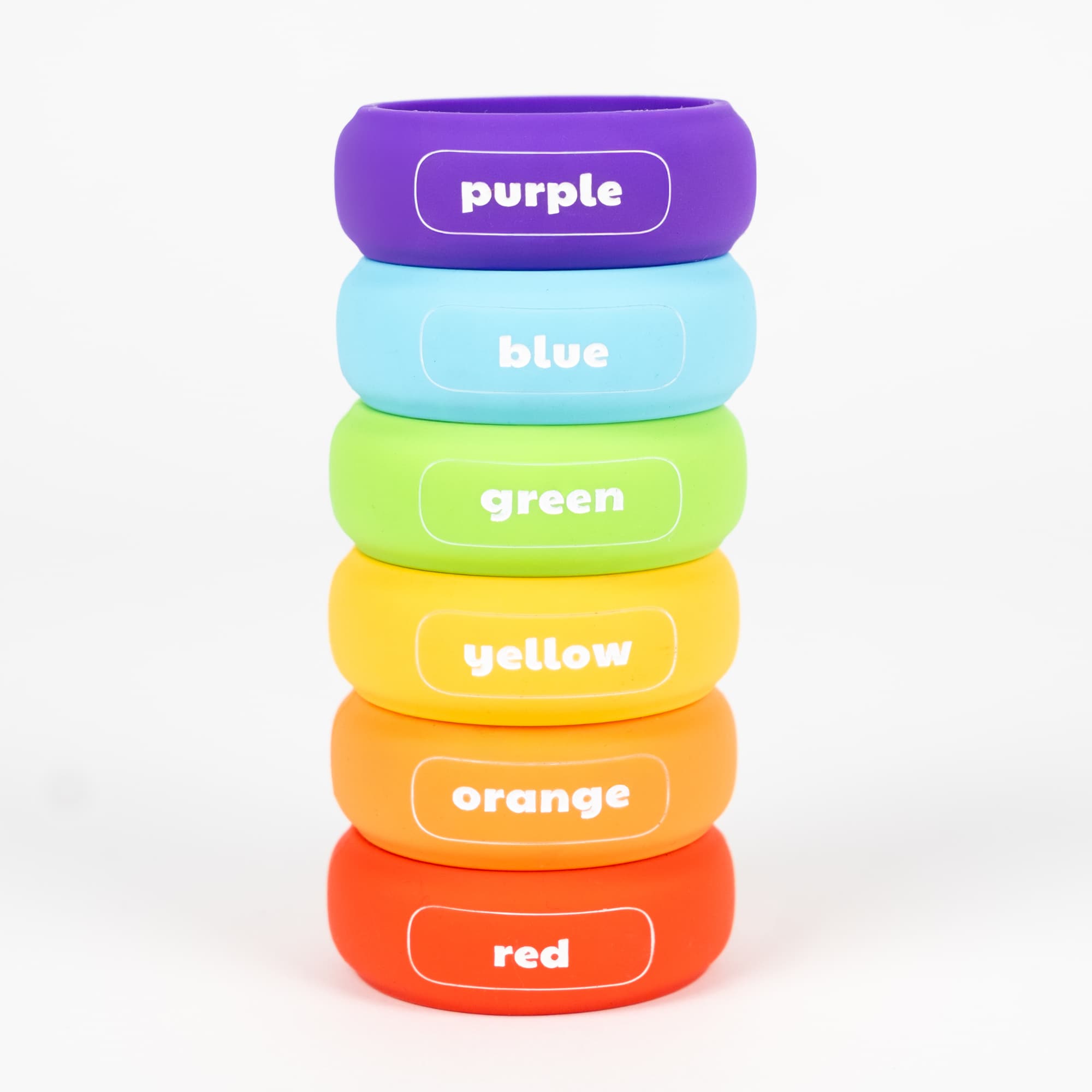
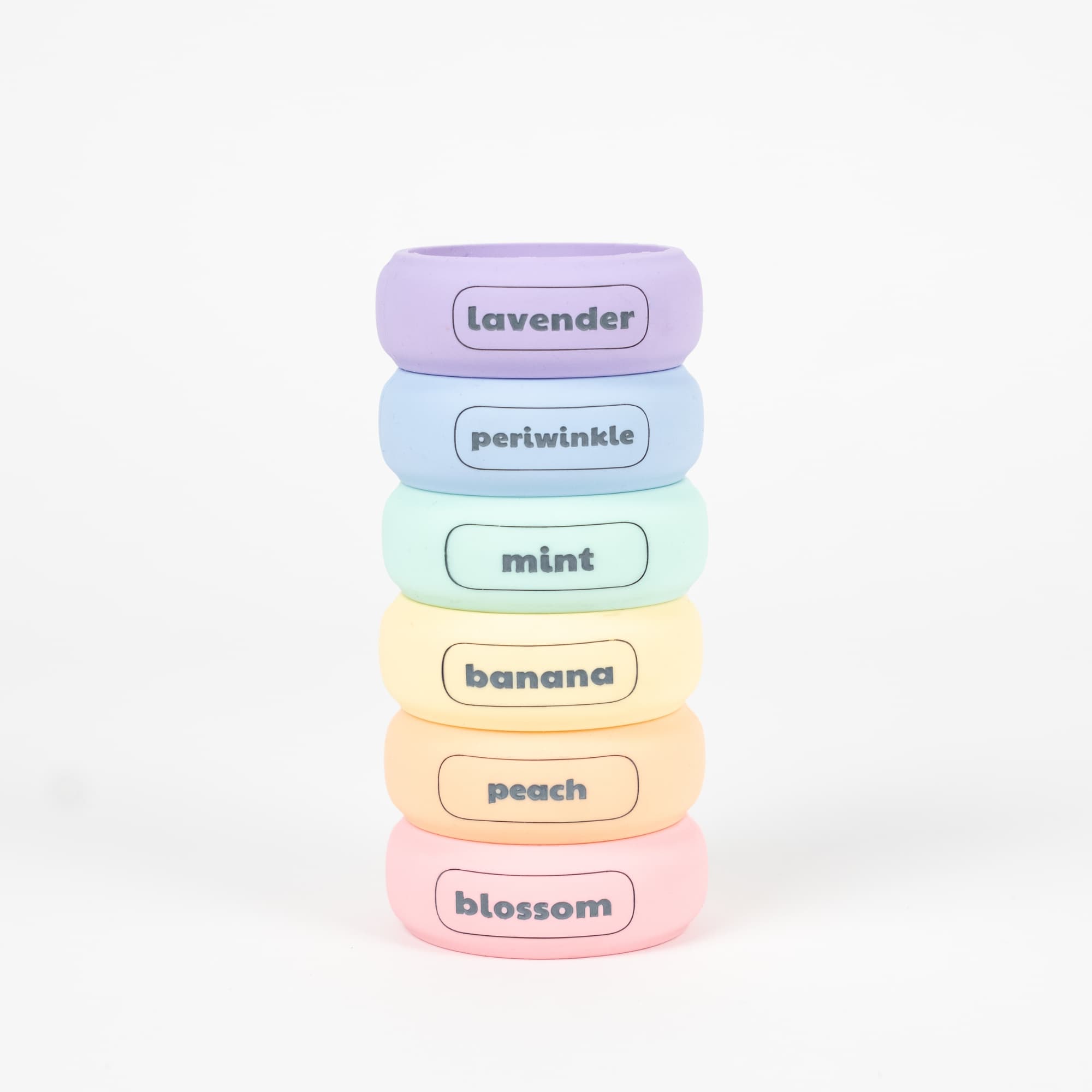
What's in each Hoop pack?
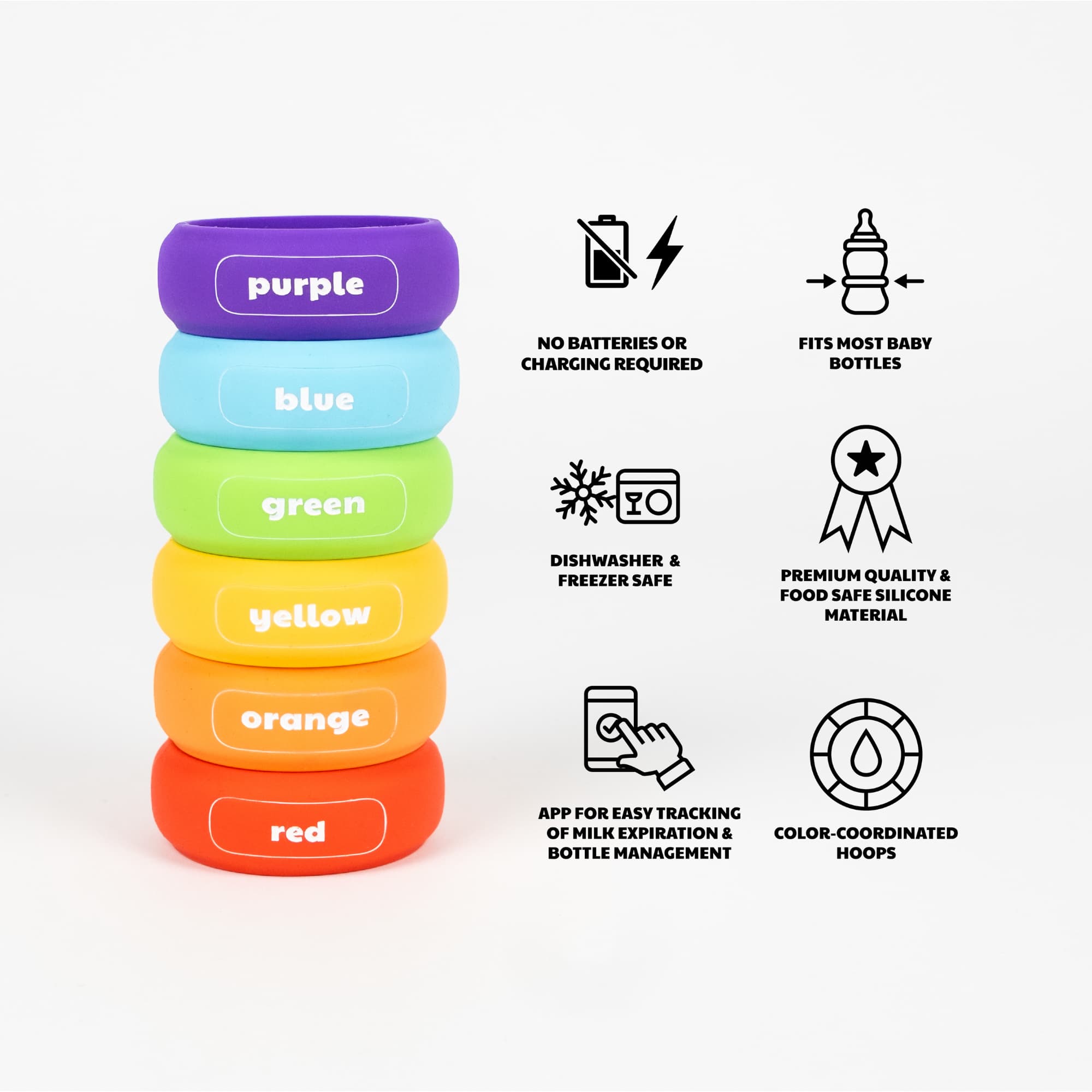
- 6 Hoops
- 1 Quick Start Guide
That's all you need to get started with your smartphone! No batteries or chargers required - yay!
You can Hoop up to 18 bottles with our 3 packs: Rainbow, Pastel, and Earth.
iPhone + Android Tips
-
iPhone
- Ensure you have the latest version of the HoopDee app
- Ensure your iPhone is running the latest iOS version
- Double click the side button on your phone if your iPhone does not automatically read your Hoop (watch the Getting Started video for a demonstration)
-
Android
- Ensure you have the latest version of the HoopDee app
- Keep your Android OS updated
- Grant permission for NFC reading
Hoop Care and Info
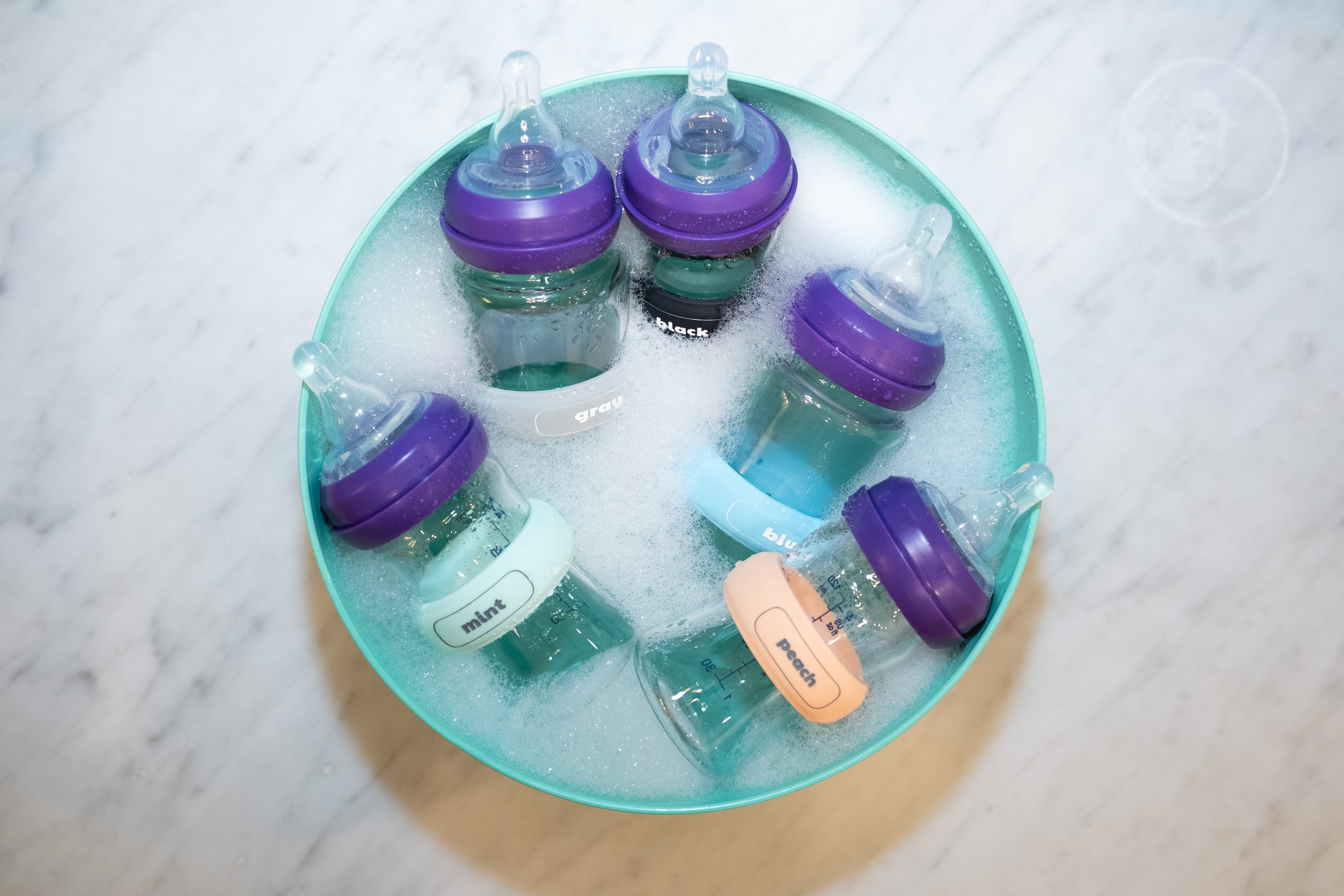
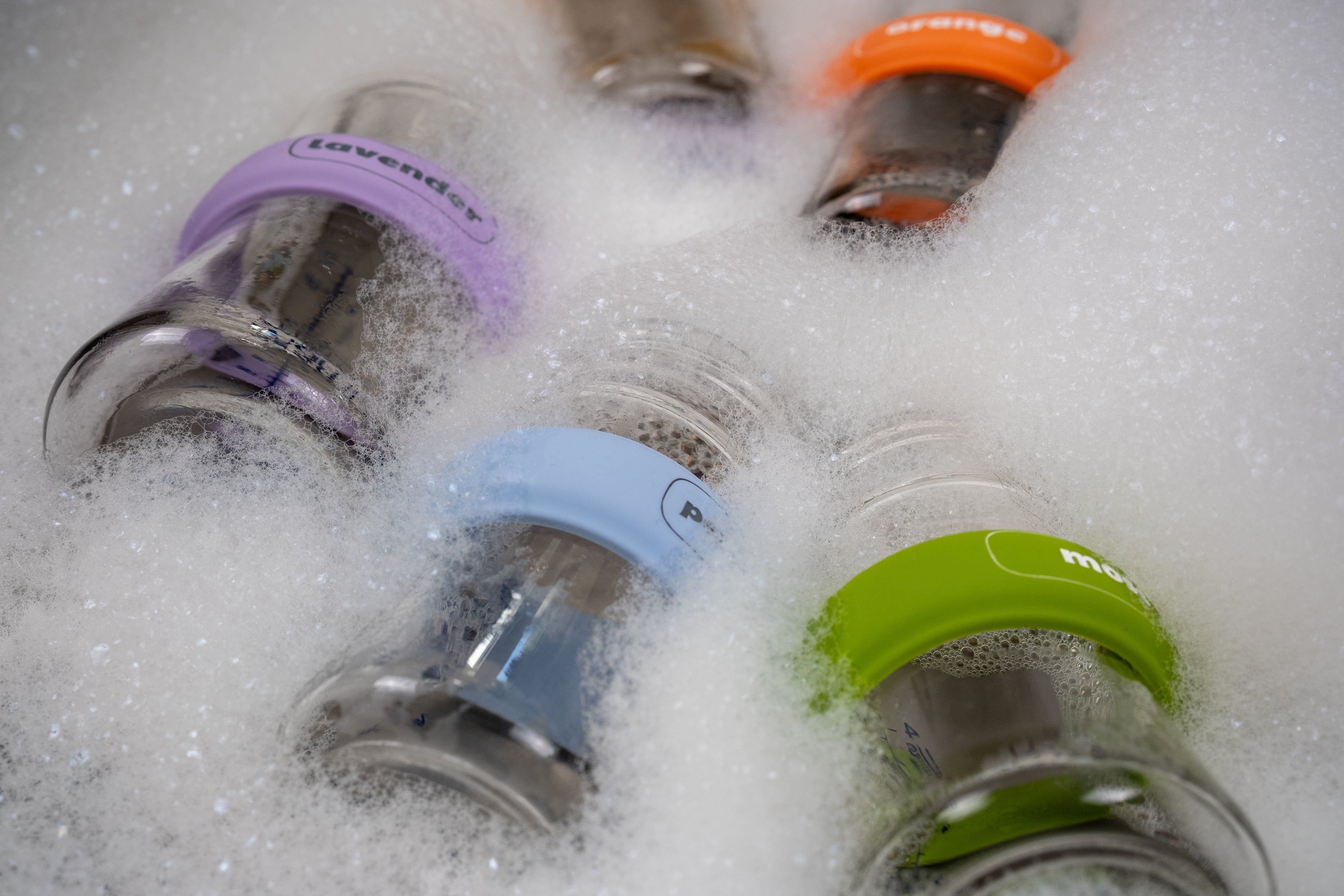
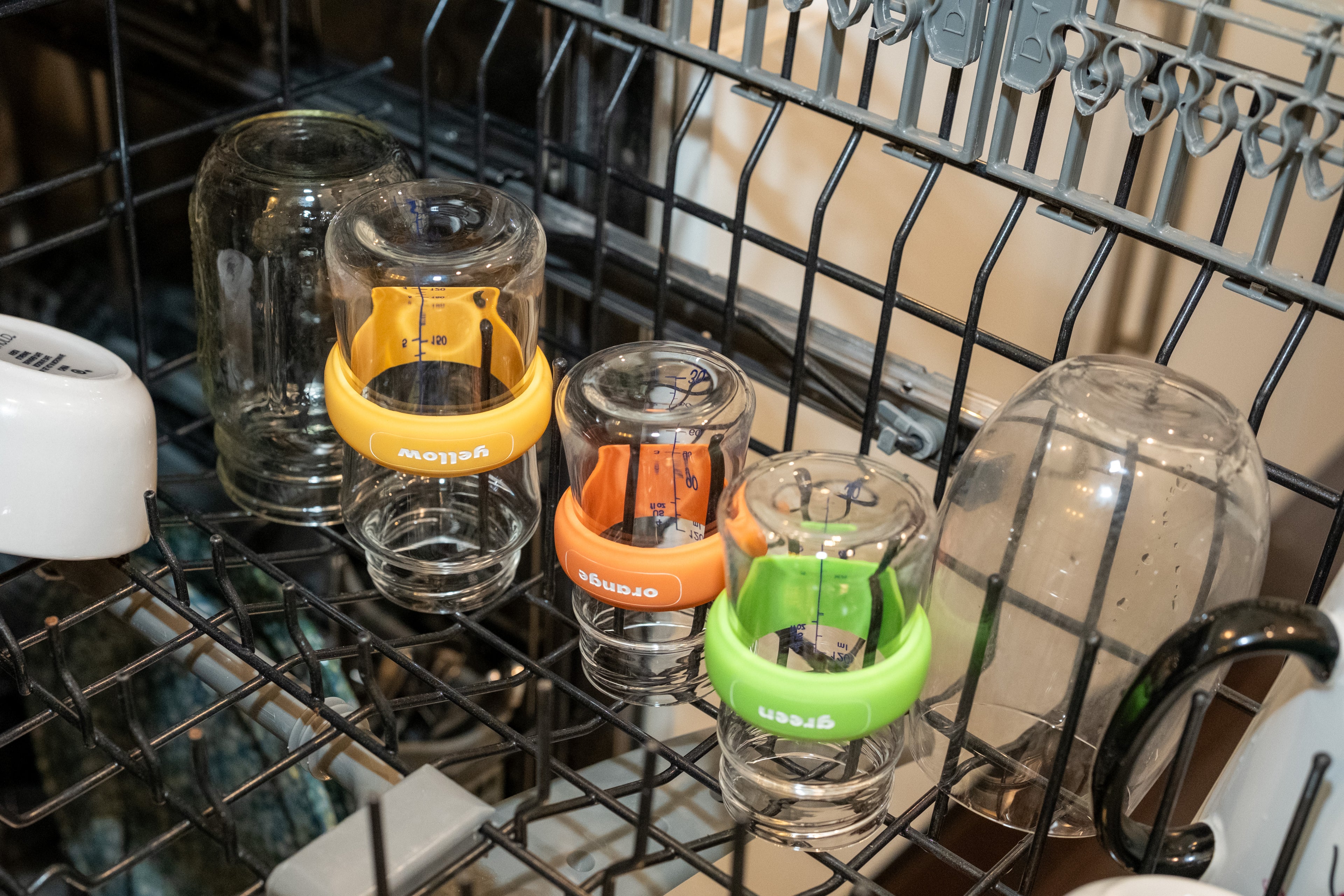
HoopDee Hoops are waterproof, dishwasher safe, and built to last. They can withstand temperatures from -25°C to 70°C (-13°F to 158°F). DO NOT MICROWAVE YOUR HOOPS. Ensure your bottle sanitizer does not exceed the maximum temperature.
- Food safe: Made with safe materials, though not intended for use as dishware.
- Child safety tested: While they’ve passed safety standards, Hoops are designed for adult use only.
- Radiation-free: Hoops are passive devices that never emit radiation on their own. They only transmit radio waves when briefly activated by an external NFC reader (like your smartphone).
- One size fits all: Hoops are designed to stretch and fit nearly every sized bottle on the market.
Frequently Asked Questions
How Do Hoops Sync With Your Phone?
Hoops have NFC (Near Field Communication) tags inside of them (the same type of chip on your credit card that allows you to tap-to-pay). NFCs emit extremely low-level, non-ionizing radio frequency (RF) radiation at 13.56 MHz, which lacks the energy to damage DNA or cells. Operating through magnetic induction at very close range, passive NFC tags do not emit radiation independently, only reacting to active readers such as a smart phone.
How does the HoopDee app determine its expiration times?
HoopDee uses the CDC’s Breast Milk Storage and Preparationand baby formula recommendations.
What should I do with my milk when the app says my milk has expired?
You are the owner of your milk and the decision is yours. HoopDee merely makes suggestions based on CDC guidelines. The app will move milk that has expired based on your input and those guidelines to the Expired page. You will be able to access the expired milk in the app and still see its details if you wish to manually track it.
Does the app track my frozen supply?
Yes! The app tracks your frozen supply with our breast milk storage bags and sends you notifications as frozen milk approaches expiration.
The CDC states breast milk begins to lose nutritional value after 6 months, but can be stored for up to 12 months. The HoopDee app will allow users to choose if they want to keep their milk in the freezer for 6 or 12 months and freezer expiration times will calculate accordingly.
Can I invite other caregivers to my account to help me manage my inventory?
Yes! Go to your profile and then Families. Select the Family you would like to invite other caregivers too. From there you can invite anyone from your phone’s contacts.
How does the Supply Calculator work and what are the Manual and Auto-populate Counting Methods?
The supply is based on how much of your inventory your child (or children) consumes each day and your current inventory. To accurately calculate your supply, enter your bag or bottle’s volume of food for every entry.
The Manual Counting Method is based on the amount you specify as Baby’s Daily Consumption and your current inventory.
The Auto-populate Counting Method is for users that always enter their child’s feedings in the app. To enter feedings in the app, tap on the bottle in the app, tap “Use,” select the feeding status, then tap “Finish Feeding” when the feeding is complete and enter the “Volume remaining” per the app’s prompt, and tap “Save”. With Auto-populate, the supply is based on how much your baby has consumed daily for the past 7 days (per what was originally in each bottle and how much was left post-feedings) and your current inventory. If you have not continuously entered feedings for the last 7 days, switch to the Manual Counting Method to avoid inaccuracies. Once you have 7 days of feedings in the app, you can switch back to Auto-populate.
These calculations are estimates. The calculations should NOT replace professional medical advice. Always consult your child’s doctor or a qualified healthcare provider if you have questions about a medical
Why does the app gray out the Bag for Container Type and Freezer for Location when I add baby formula or thawed breast milk?
Baby formula or thawed breast milk should never be frozen. To prevent parents and caregivers from making this mistake, we’ve conveniently made it impossible to select these combinations when adding food.
How should I enter my bottles if I mix breast milk with baby formula?
Since baby formula has shorter and more limited storage timeframes, we recommend entering your bottles as “baby formula” if you mix breast milk with baby formula.
How should I enter my bottles into the app if I use the pitcher method?
While we're not endorsing the pitcher method, it is a popular way to collect breast milk throughout the day in one large container. When you pour milk from the pitcher to your bottles, we recommend retroactively entering the time on the “Add Food” page to the time of your first pump and pour into the pitcher. You can watch a short How-To video here.
Why does the app ask for my phone number?
HoopDee will never share your phone number. We ask for this when you first log on as a unique ID.
Does the app track inventory in coolers or deep freezers?
Not at this time, but as the app grows in popularity, we will include more options and features!
Does HoopDee sell any of my information?
HoopDee does not sell any of your data.

Need assistance with our app?
Do you want to delete your HoopDee account? If so, please submit this form.
STILL HAVING ISSUES?
Life with babies is a lot to juggle. Our support team is here to resolve your issue quickly—just reach out.
How to get in touch:
info@getHoopDee.com
Expected response time: 1-2 business days
Helpful links:
• Download the free HoopDee app